
Getting Started: Logging In to Humanly
Welcome to Humanly!
Our scheduling tool is designed to simplify and streamline how you set up interviews with candidates—giving you more time to focus on what really matters: building relationships and finding top talent.
Follow the steps below to join your organization and complete your initial login setup.
Your Humanly invite will come from your administrator. If you don’t see it, check your Spam/Junk folder and search your inbox for: “Join”.
- Look for an invite from Humanly in your email inbox.
- Your administrator will advise you when to expect this
- Subject line: Join [Your Org Name] on Humanly
- Click the “Join Now” Button
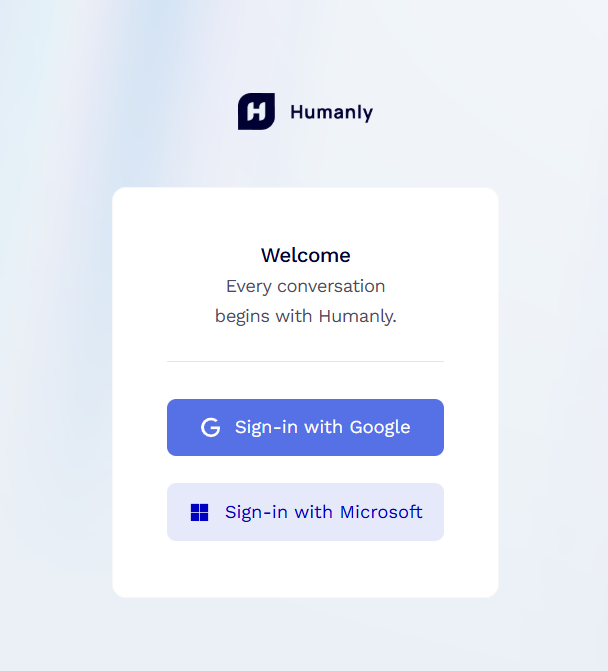
- Log-in to Humanly
- Select your Email Type (Google or Outlook)
If multiple email addresses show up on the next screen, select the one that the original email was sent to:

Once you’ve completed these steps, your account will be successfully connected and ready to use. If you experience any issues during setup, reach out to your administrator or contact support for assistance.